Webflow Conf 2025 releases, one year later

Key takeaways
- Eleven of the twelve things announced at Webflow Conf 2025 shipped by September 2026. App Gen was paused in April 2026 (Pravin Kumar, 2026).
- The next-gen CMS reached Enterprise in January 2026 and every site on April 9, 2026 (Webflow, 2026).
- Real-time editing on the same page is now a core feature on all plans (Webflow, 2026).
- Component Canvas rolled out to all workspaces on March 3, 2026 (Webflow, 2026).
- The Cloudflare hosting migration is done. Sites created before April 2025 had until January 13, 2026 to update DNS (Webflow, 2026).
- Analyze now shows LLM traffic, click maps and scroll maps (Webflow, 2026).
- The AI Assistant shipped, but MCP 2.0 in July 2026 is what changed how we work with AI in Webflow. Read our MCP 2.0 review.
Update, September 2026. This is our recap of Webflow Conf 2025 as we wrote it the week after the keynote. One year on, we went back and checked every promise. Eleven of twelve shipped, most of them within six months. One was paused. The table below has the status of each, and the original recap follows unchanged, so you can see what was promised against what arrived.
Which Webflow Conf 2025 announcements actually shipped?
Eleven of the twelve things Webflow announced at Conf 2025 shipped by September 2026. The exception is App Gen, the prompt-to-web-app product, which entered public beta in November 2025 and was paused in April 2026 (Pravin Kumar, 2026).
Promise from Conf 2025 |
Status |
When and where |
|---|---|---|
Next-gen CMS |
Shipped |
Enterprise in January 2026, every site on April 9, 2026 (Webflow, 2026) |
Content Delivery APIs (headless CMS) |
Shipped |
November 2025 (Webflow Developers, 2025) |
AI Assistant in the Designer |
Shipped |
Overtaken in practice by MCP 2.0 in July 2026, see our MCP 2.0 review |
AI code components |
Shipped |
Visual editing for them was announced at Conf 2026 (Webflow, 2026) |
App Gen (prompt to web app on Webflow Cloud) |
Paused |
Public beta November 12, 2025, paused April 27, 2026 (Pravin Kumar, 2026) |
Component Canvas |
Shipped |
All workspaces on March 3, 2026 (Webflow, 2026) |
Real-time editing on the same page |
Shipped |
Private beta December 2025, now on all plans (Webflow, 2026) |
Comment-only links |
Shipped |
October 15, 2025 (Webflow, 2025) |
Interactions with GSAP and Lottie |
Shipped |
Lottie runs as actions inside Interactions with GSAP (Webflow, 2026) |
Analyze with LLM traffic, click maps and scroll maps |
Shipped |
Live in Analyze. AI-written reports we have not seen documented (Webflow, 2026) |
Form-level settings and spam inbox |
Shipped |
October 14, 2025 (Webflow, 2025) |
Hosting on Cloudflare |
Done |
DNS deadline January 13, 2026 for sites created before April 2025 (Webflow, 2026) |
Our read after a year is that Webflow delivered on the platform promises (CMS, hosting, collaboration, components) faster than we expected, and that the AI story changed shape. The AI Assistant shipped, but the thing that changed our daily work was MCP, which lets an AI agent work inside Webflow with the context of your design system. App Gen, the flashiest demo of the 2025 keynote, is the one that did not survive. That is worth remembering when you read about the research previews from Conf 2026.
Our original recap from September 2025
Every year, Webflow Conf is where we get to peek into the future of digital creation. The 2025 keynote was a signal of where the web is headed, more than a list of features. Webflow is stepping beyond being a website builder and moving firmly into the territory of a full digital experience platform. Whether you’re thinking about migrating to Webflow or already building with it, these new Webflow releases matter.
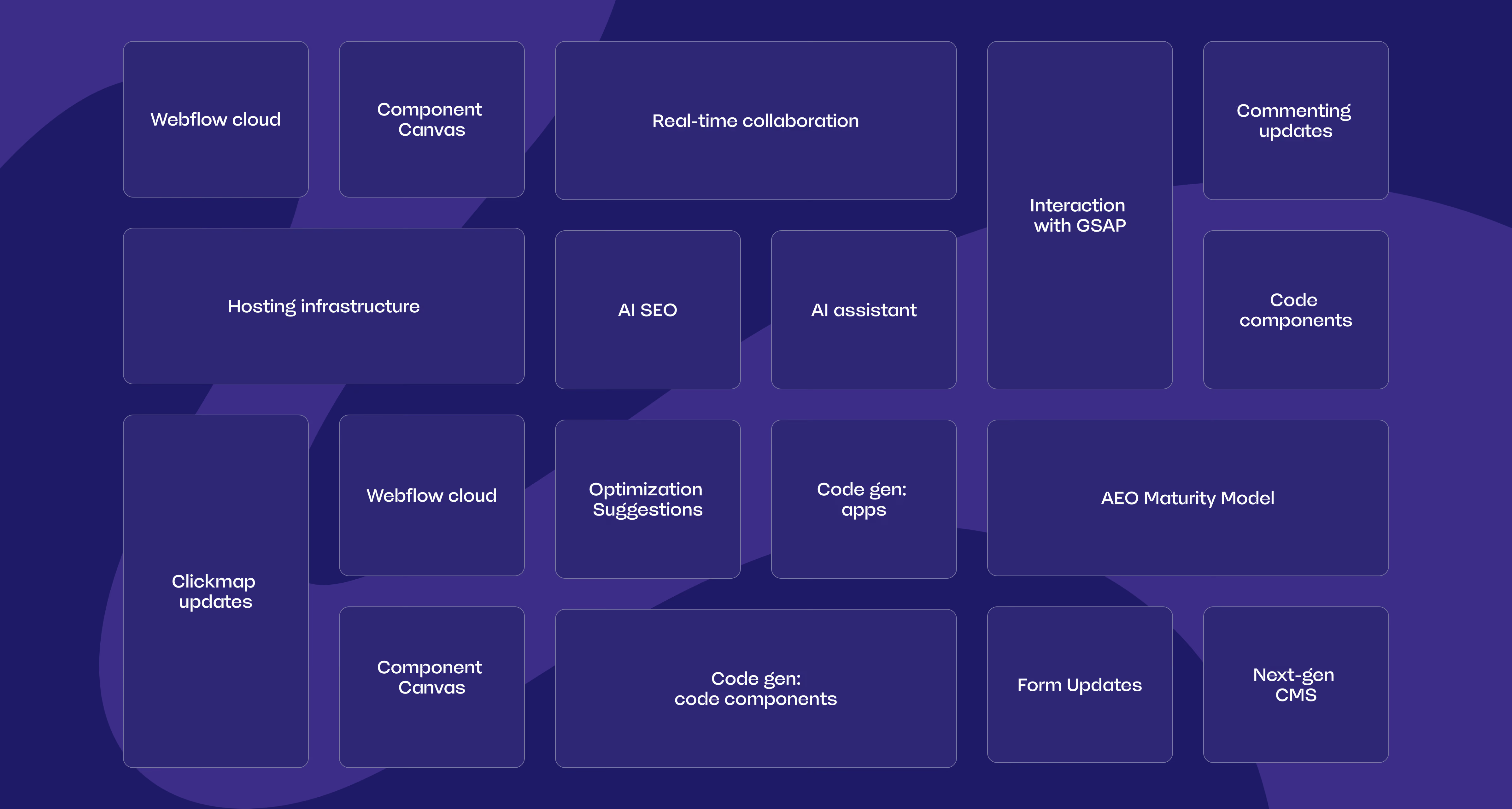
What was announced, in short. Already available at the time were Code Components (DevLink), Optimize (open to everyone, including non-Webflow sites) and Analyze as an add-on. Promised for late 2025 were the AI Assistant, Component Canvas, the next-gen CMS, comment-only links and new GSAP interaction controls. Promised for early 2026 were AI-generated code components and prompt-to-app web apps on Webflow Cloud. On top of that came the move of hosting to Cloudflare, AI traffic detection and click and scroll maps in Analyze, and Content Delivery APIs for headless use of the CMS.
Webflow AI has become a creative partner for faster building
AI took center stage in 2025, and Webflow AI has grown from a helper into something more useful, a creative partner. You will soon be able to chat directly with Webflow AI to design layouts, refactor code, and troubleshoot issues. It will generate production-ready components and even entire apps from a prompt. On top of that, it will bring SEO intelligence right into the workflow, offering suggestions to improve performance, accessibility, and discoverability.
Why does this matter? Because speed is everything. Businesses can’t afford weeks of back-and-forth between design and development anymore. With Webflow AI, teams will be able to move quickly, iterate often, and launch optimized websites faster. This shift reflects a bigger trend across industries. AI is no longer a side tool. It sits directly in the creative process.
Webflow CMS has been rebuilt to be a scalable content engine
One of the most exciting new Webflow updates is a completely re-architected CMS. Webflow has rebuilt it from the ground up to handle more complexity, more scale, and more flexibility. Large datasets, complex content structures, and faster performance are all part of the upgrade.
The CMS is also becoming a headless CMS with Content Delivery APIs, making it possible to publish to multiple sites, apps, and platforms from a single source of truth. This means content can flow wherever you need it, not only inside one Webflow project.
On top of the rebuild, Webflow also announced a huge leap in scale for the CMS:
- 1M+ CMS items per site
- 1M CMS items per Collection
- 100 fields per Collection
- 20 multi-reference fields per Collection
This means Webflow CMS will no longer be limited by the smaller datasets that teams sometimes struggled with. It’s now capable of powering large-scale, enterprise-grade projects with millions of items and far more flexibility in how collections relate to each other.
For teams, this will mean less time spent working around limitations and more time publishing and scaling content with ease. For startups, it’s freedom to move quickly. For enterprises, it’s the reassurance that the platform will be able to handle growth. Content volumes keep growing, so a CMS that grows with you matters.
React components and a new component canvas
Webflow has always been a designer’s dream, but now developers are getting the tools they’ve been waiting for. React components will be able to be brought directly into the Webflow canvas, and the new component workspace will make it easier to test and refine them without cluttering a live page.
This is a big deal because it removes one of the classic bottlenecks, the handoff. Designers and developers will no longer have to jump between tools or rebuild things outside of Webflow. Instead, they will be able to collaborate in real time and create custom, complex experiences all in one place. It’s part of a bigger trend we’re seeing across digital platforms, convergence, where teams can do everything in one environment instead of stitching together multiple tools.
Real-time editing and feedback in Webflow
Collaboration is where Webflow is leaning into modern team needs. Soon, multiple teammates will be able to work on the same page at the same time, the way you’d expect in Google Docs. On top of that, you’ll be able to share comment-only links with stakeholders, meaning clients or managers can leave feedback without needing a Webflow account.
For distributed teams working across different cities (or even continents), this will be a huge step forward. It cuts out bottlenecks, speeds up approvals, and makes the process of building and refining websites feel smoother. We’ve already seen how tools like Figma transformed design workflows with real-time collaboration. Now Webflow is bringing that same fluidity to web building.
Design and analytics updates bring creativity and performance together
Webflow is doubling down on both creativity and measurement. On the design side, interactions will soon be powered by GSAP, giving designers more control across devices while improving performance and accessibility. Lottie integration is also on the horizon, opening up richer animation options.
On the analytics side, Webflow Analyze is getting smarter. It will use AI to provide actionable insights into traffic and conversions. That means you get context on what’s working and where to improve, not only numbers.
One of the most eye-catching updates is that Webflow Analyze will be able to detect when visitors come from AI assistants such as ChatGPT, Perplexity, or Claude. Not only will it identify that the traffic originates from an LLM, it will also show you which one and the percentage of total traffic it represents. This is a big step because AI assistants are becoming a new gateway to the web. For businesses, it means being able to measure and optimize for an entirely new type of referral source, one that is likely to grow rapidly in the years ahead.
Webflow Analyze will also introduce click maps and scroll maps, giving teams a visual way to understand how users are engaging with their sites. Paired with new AI-driven reports, this will make it easier to turn raw data into actionable improvements.
Together with Analyze, Webflow Optimize is already available and will help teams run experiments and personalize experiences, with AI assisting in setting up and analyzing tests. Importantly, Optimize is accessible for everyone, including sites that are not on Webflow, which makes it a broader experimentation platform.
The takeaway here is that design and performance are no longer separate. Businesses need websites that look great, run smoothly, and convert effectively. These updates will bring all of that closer together.
Smarter workflows for day-to-day management
Sometimes it’s the quieter updates that make the biggest difference in day-to-day work. Webflow will add smarter form management, including a spam inbox and refined notification controls. These may not grab headlines, but for teams managing multiple sites or high traffic, they will remove small but constant frustrations.
This shows Webflow is maturing. The thoughtful details that make everyday workflows smoother matter as much as the big features.
Hosting powered by Cloudflare’s global network
Another major announcement is that Webflow will migrate its hosting infrastructure onto Cloudflare’s global network. Spanning 330 cities across 125 countries and connecting to 13,000 networks, Cloudflare’s infrastructure will mean faster load times, stronger security, and more reliable uptime for all Webflow sites.
For businesses, this will translate into better performance worldwide and the confidence that their websites are running on some of the most resilient infrastructure available today.
What do these Webflow updates mean for businesses?
When you put all of these releases together, the direction is clear. Webflow is becoming the platform for businesses that want to build smarter and scale faster. AI will help you launch quicker. The new CMS will grow with your content needs. Developers and designers will finally be able to collaborate seamlessly. Analytics will give you clarity on performance. Hosting will be faster, safer, and more reliable. And workflows will keep getting smoother.
For companies considering a migration to Webflow, these updates make the case stronger than ever. For those already building with it, the opportunities to streamline, scale, and create are expanding.
Looking ahead at Webflow’s future
Webflow Conf 2025 was a clear signal of where web design is going. Faster, more collaborative, and powered by AI. The updates are about removing barriers more than adding features. And when barriers disappear, creativity and growth can take the lead.
At Kvalifik, we see this as a turning point. Webflow is positioning itself as the backbone for modern digital experiences, not only a design tool. And for teams ready to take advantage of it, the possibilities are bigger than ever.
What we got right and wrong a year later
We were right about the direction and too optimistic about the AI apps. The CMS rebuild, the Cloudflare move, real-time editing and Component Canvas all shipped and all changed how we work on client sites. The prediction that AI would sit inside the creative process also held, though it arrived through MCP rather than through the Assistant we wrote about above.
We were wrong to put App Gen on the same footing as the rest. Building full web apps from a prompt was the most impressive demo of the keynote and the first thing to be paused. The lesson we take into every keynote now is to separate what is shipping from what is being shown.
If you are deciding whether to move to Webflow, the state of the platform in 2026 is a better guide than any keynote. Our Webflow service page covers how we run migrations, and you can talk to us if you want a second opinion on your setup.
Summary
A year after Webflow Conf 2025, the scorecard is better than we expected. The platform promises shipped, most of them within six months, and the CMS rebuild and real-time editing have quietly changed how we run client projects.
The AI story played out differently from the keynote. The Assistant arrived, App Gen did not survive, and MCP, which was barely mentioned in 2025, became the AI feature we use every day.
Our advice is the same as it was then. Judge Webflow on what is in your workspace today, not on the keynote. In 2026 that is a strong platform for marketing teams that want to move fast without a developer in every loop.
Yes. The next-gen CMS reached Enterprise sites in January 2026 and every Webflow site on April 9, 2026, with more collection lists per page and three levels of nesting (Webflow, 2026).
App Gen, the prompt-to-web-app feature announced at Webflow Conf 2025, entered public beta on November 12, 2025 and was paused on April 27, 2026. Webflow now focuses on AI code components instead (Pravin Kumar, 2026).
Yes. Several people can edit the same page at the same time, and Webflow lists it as a core feature on all Workspace and Site plans (Webflow, 2026).
Yes. Webflow migrated hosting to Cloudflare, and sites created before April 21, 2025 had to update their DNS records by January 13, 2026 to keep publishing (Webflow, 2026).